


Your wedding invitation is the first thing your guests see. It tells them the date, the place, and the feeling of your day — before they arrive. A good template makes this easy. A wrong one makes it hard.
This guide shows you how to pick a wedding invitation template that fits your style, your budget, and your guest list. No design degree needed.
Free Creator AI Starter Kit
Get free AI prompts, tools and templates to kick-start your content.
Get the Free Starter KitWhat Is a Wedding Invitation Template?
A wedding invitation template is a ready-made design. The layout, colours, and fonts are already set. You only change the names, the date, the place, and a few small details.
Templates come in two main types:
- Print templates: You print them on paper and send them by hand or by post.
- Digital templates: You share them on WhatsApp, email, or a link. Many couples in 2026 use both — a simple printed card for close family, and a digital version for everyone else.
You can find templates in Canva, on template shops, and on wedding design sites. Many are free. Paid ones often cost less than a printed card set from a shop.
Why Does Your Invitation Design Matter?
Your invitation sets the tone. A formal card with gold letters tells guests to expect a formal event. A simple card with soft colours tells them to expect a calm, simple day.
It also saves you time. When the design is already done, you do not start from a blank page. You pick, you edit, you print or send. That is the whole job.
How Do You Pick the Right Template? Start with Your Wedding Style
Before you open any template site, answer three short questions:
- Is your wedding formal or relaxed? A formal wedding suits classic fonts and soft colours. A relaxed wedding suits simple layouts and warm colours.
- What are your wedding colours? Pick two or three colours and keep them the same on the card, the envelope, and the rest of your wedding items.
- Print, digital, or both? If most guests use WhatsApp, a digital template saves money and time. If older family members expect a printed card, plan for both.
When you know these three answers, most templates will rule themselves out. That is a good thing. Fewer choices mean a faster choice.
What Are the Wedding Invitation Trends for 2026?
Trends change every year, but the 2026 trends are simple and easy to use:
- Minimalist typography: Big, clean names with lots of empty space. One good font does all the work.
- Neutral greenery: Soft green leaves and simple borders. Calm and natural.
- Botanical illustration: Small hand-drawn flowers in the corners. Warm, not busy.
- Earth tones: Terracotta, sage, dusty rose, and warm cream instead of bright pink or grey.
- Digital and hybrid invitations: A digital card with a map link, a countdown, and an RSVP button — plus a small printed card for close family.
- Monograms: Your two initials joined together in one small design. Simple and personal.
You do not need to follow every trend. Pick one that fits your wedding. A template with one clear idea always looks better than a template with five ideas.
What Should You Check Before You Choose a Template?
Use this short checklist before you pick:
- Can you read it fast? Your guest should find the names, the date, and the place in three seconds. If they have to search, the design is too busy.
- Does the font match the mood? A script font feels romantic. A clean serif font feels classic. A simple sans-serif font feels modern. Pick one main font and one small font. Two fonts are enough.
- Is there space for all your words? Long names, two venues, or extra details need space. A template with small text boxes will fight you.
- Does it work on a phone screen? Most guests will open a digital invitation on a phone. Test the template on your own phone before you send it.
- Can you change the colours? A good template lets you change colours in one click. If you cannot change them, the template is not flexible enough.
- Is the paper size standard? For print, common sizes are 5 x 7 inches or A5. A strange size costs more to print and needs a special envelope.
How Do You Edit a Template in Canva?
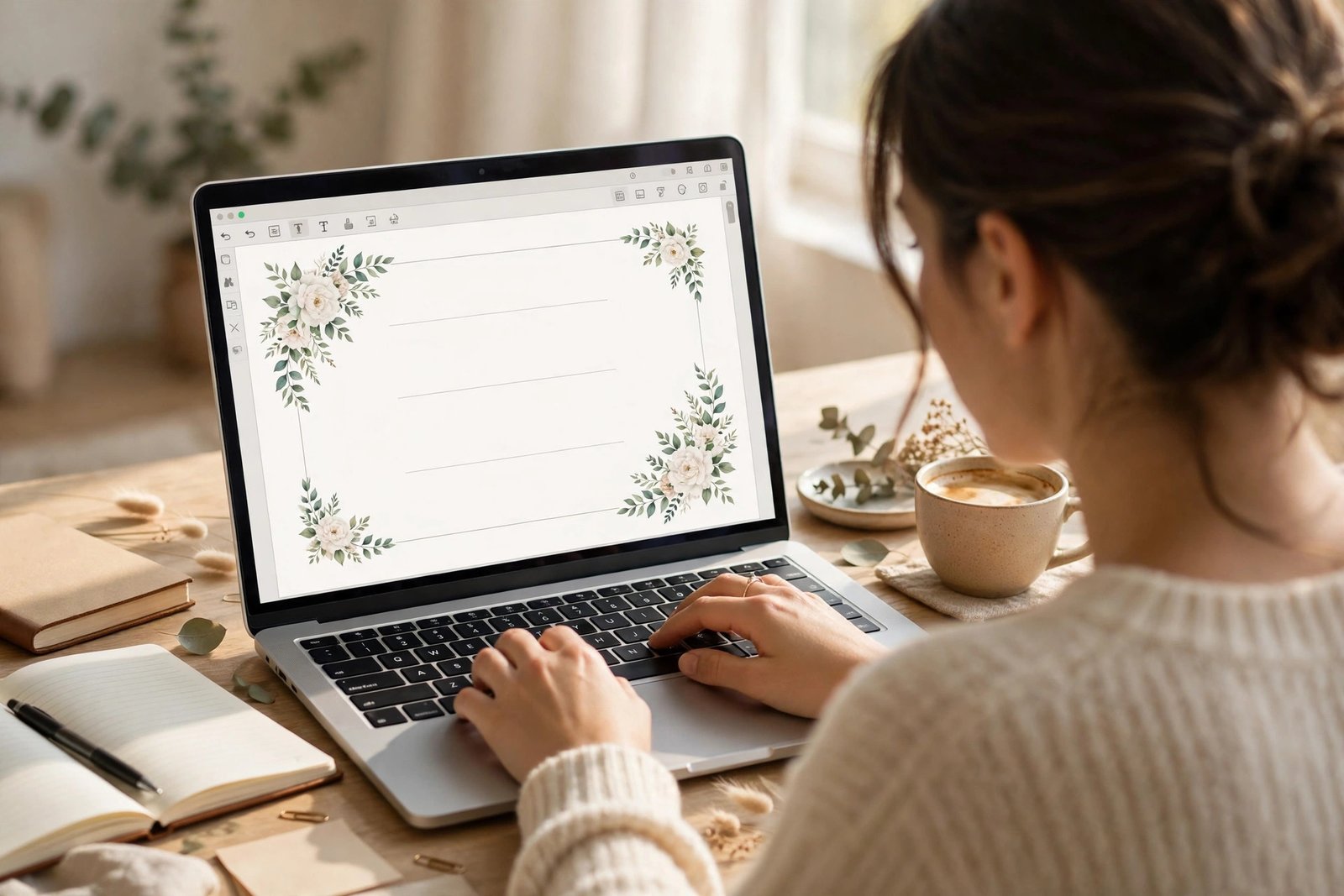
Canva is the easiest tool for most couples. Here is the simple flow:
- Open Canva and search for “wedding invitation”.
- Pick a template that matches your style. Do not pick by the photo — pick by the layout.
- Change the names, the date, the time, and the venue. Keep the font sizes the same.
- Change the colours to your wedding colours.
- Check the spelling twice. Ask one other person to read it too.
- Download it as a PDF for print, or as a JPG or PNG to share on WhatsApp.
If you are new to Canva, our guide on how to use Canva templates for your small business explains the same steps in more detail — the method works for wedding cards too.
What Mistakes Should You Avoid?
These five mistakes show up again and again:
- Too many fonts. Three or more fonts on one card look messy. Use two at most.
- Too much text. Your invitation is not a story. Names, date, time, place, and RSVP details are enough. Extra words go on a separate details card or a wedding page.
- Low-quality images. A blurry photo ruins a good design. Use a clear, high-quality photo — or no photo at all.
- Forgetting the RSVP. Always add how and when guests should reply. A phone number or a simple link is enough.
- Ordering prints too late. Printing takes time, and delivery takes more time. Order at least four weeks before you need to send the cards.
Print or Digital — Which One Is Right for You?
There is no single right answer. Here is a simple way to decide:
- Print is best when: your guests are older, your wedding is formal, or you want a card people keep.
- Digital is best when: your guest list is large, your budget is small, or most guests use WhatsApp every day.
- Both is best when: you want the warm feeling of a printed card and the speed of a digital one. Print a small number for close family, and send the digital version to the rest.
In Pakistan, many families now send the digital invitation first on WhatsApp, then give a printed card to close relatives. That mix works well and keeps costs low.

How Much Should a Wedding Invitation Cost?
A template itself is often free or low cost. The real cost is printing and paper. Plain printing on good card is the cheapest option. Foil, thick cotton paper, and special envelopes cost more.
A simple rule: set your invitation budget before you pick a template. Then pick a template that fits that budget. A beautiful free template on good paper looks better than an expensive template printed badly.
Where Can You Find Good Templates?
Start with Canva for free and simple options. Template shops — including our own shop — sell ready-made designs you can edit in minutes. Wedding design sites offer more formal styles.
Before you pay for any template, check three things: can you edit the text easily, can you change the colours, and does it download in the file type you need (PDF for print, JPG or PNG for sharing)?
Your Next Step
Pick your wedding style, pick your colours, then pick one template. Edit the names and the date, check the spelling, and test it on your phone. That is all it takes.
If you want more design help, read our guide on how to make a simple business card in Canva — the same clean-design rules apply — and browse our free downloads for starter kits you can use today.
Your invitation is the first hello of your wedding day. Make it clear, make it simple, and make it yours.

