
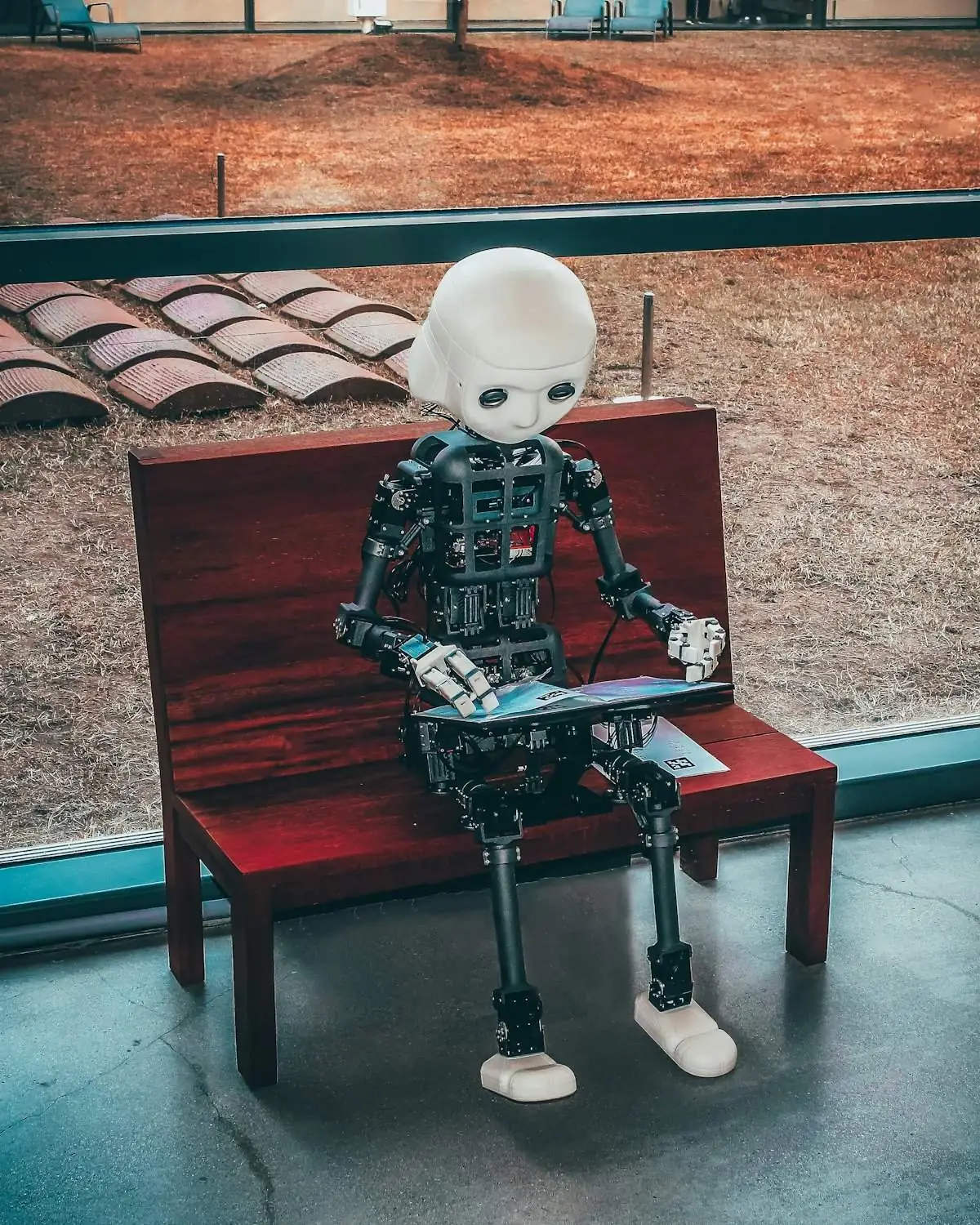

You wrote “A beautiful house” and the image came back with melted windows, a strange style, and nothing like the picture in your mind. Has this happened to you? It happened to me dozens of times.
The problem is not the tool. The problem is the prompt. I am giving you the 5-part formula I learned after generating 200+ images. After this, your images will be unrecognizable.

Problem: “My image never looks like the one in my mind”
Solution: Use the 5-part prompt formula: Subject, Style, Details, Lighting, Composition.
AI cannot read your mind. It only reads your words. Literally. The more gaps you leave, the more it fills with its own guesses. And its guesses are often wrong.
Think of prompting like this: you are giving directions to a very talented artist who has never visited your city. If you say “take me somewhere nice,” he will get lost. If you say “take a left from the blue mosque, walk 200 meters, the tea shop with green shutters,” he will reach exactly.
Pro Tip: Before writing any prompt, ask yourself these 5 questions. You do not need all answers every time, but checking them improves results fast.
How to Write the Subject? (Question 1: What is in the picture?)
Problem: Writing “A person” or “a building” gives a generic result.
Solution: Be concrete. Instead of “a person”, write “a young girl in blue shalwar kameez.” Instead of “a building”, write “a three-story white villa with a red tile roof.”
Pro Tip: Add adjectives to nouns. Every adjective gives AI one decision that it would otherwise make itself (and get wrong).
Why Does Style Matter So Much? (Question 2: How should it look?)
Problem: Beginners skip this part the most, and it makes the biggest difference.
Solution: Add these words: photorealistic, digital painting, 3D render, watercolor, anime style, or minimalist.
I am a 3D artist, so I often write “3D render, octane render, soft studio lighting.” The same subject written as “oil painting” looks totally different. One style word changes the whole image.
Pro Tip: Fix 3-4 style words for your work and use only those. Consistency builds your own “look”, like my 3D render style.
What Details Should I Add? (Question 3: What makes it special?)
Problem: The image looks flat and boring. No depth.
Solution: Add 2-3 specific details: textures, objects, patterns.
Instead of “a moonlit night”, write: “a moonlit night, clouds with golden edges, the moon’s reflection in the silent sea below.” See how it came alive?
Pro Tip: Details give AI “anchors.” Without anchors it wanders around.
How to Fix Lighting? (Question 4: What should the mood be?)
Problem: The image is fine technically but has no “feel.”
Solution: Add lighting and mood words.
Try: golden hour sunlight, soft morning light, dramatic shadows, neon glow at night. Then one mood word: peaceful, energetic, mysterious.
In my experience, lighting is the most underrated part of a prompt. People spend hours on the subject and 2 seconds on lighting. They are wrong.
Pro Tip: Writing “cinematic lighting” is the safest bet. It makes almost every image better.
Why Is My Framing Weird? (Question 5: Where is the camera?)
Problem: The subject is fine but the framing is strange. Too far or too close.
Solution: Tell the composition: close-up portrait, wide landscape, aerial drone shot, eye-level view.
Pro Tip: For YouTube thumbnails, “close-up, dramatic, high contrast” is the best combo. I have made dozens of thumbnails with it.
Tips & Tricks: 5 Common Beginner Mistakes
1. Too vague: “A nice picture” gives nothing. Every word you write is a decision you take yourself.
2. Too long: A 200-word paragraph with 5 ideas confuses the AI. One prompt means one scene. Have more ideas? Generate them separately.
3. Contradictory: “Photorealistic cartoon, dark but bright”. Pick one direction. Contradiction makes a mess.
4. Forgetting the negative prompt: Put “blurry, distorted hands, extra fingers, watermark, text” in the negative prompt. This fixes the most common AI defects. 90% of people do not know this trick!
5. Giving up on the first try: Professionals make dozens of variations. The first result is a draft, not the final. Change one thing, generate again.
Tips & Tricks: Bad vs Good (Live Example)
Bad: “A cat”
Result: A generic, forgettable cat. Random style, random background.
Good: “Fluffy orange tabby cat on a windowsill, warm golden-hour sunlight, green plants in soft-focus background, photorealistic, cozy peaceful mood, close-up portrait”
Result: Specific, atmospheric, professional. That is the difference prompting makes.
Pro Tip: Pick any object in your room. Apply the 5-part formula to it. Then generate again changing only the style. Then change only the lighting. In 10 minutes you will learn more than from any tutorial, because you will see cause and effect yourself.
Frequently Asked Questions
Should I take a “prompt engineering” course?
No. The 5-part formula in this article covers 90% of the work. “Prompt engineering” sounds technical, but for image generation it only means one thing: be descriptive and specific.
Why do hands and faces look strange in my AI images?
This is AI’s oldest weakness. Fix: add “detailed hands, natural fingers” to your prompt, and put “distorted hands, extra fingers, deformed” in the negative prompt. For faces, “detailed face, sharp focus” works.
Can I use AI images for commercial work?
It depends on the tool. Some free tools allow commercial use, some ask for payment. Always check the tool’s license before client work. This mistake can be expensive.
How long should a prompt be?
20 to 60 words is ideal. Subject, style, details, and lighting all fit in that. Shorter works too for simple things.