


Free AI websites can save you hours every week. The problem is finding the ones that are really free — and really useful.
I checked seven free AI websites myself. All seven open and work right now. Three of them have a paid upgrade, and I say so clearly below. The rest of the free version is genuinely useful.
Free Creator AI Starter Kit
Get free AI prompts, tools and templates to kick-start your content.
Get the Free Starter KitHere are the seven, one by one.
1. Toolslay — 200+ Free Tools in One Place
Toolslay is a library of more than 200 free tools. PDF, image, video, text, developer tools and calculators — all in one place, all in your browser.
You do not need to sign up. You do not need to install anything. Most tools run as JavaScript in your own browser tab, so your files stay with you instead of going to a server.
How to use it: Open Toolslay, search for the tool you need — for example “compress PDF” or “remove background” — upload your file, and download the result.
Free or paid? Free forever. No sign-up, no usage cap, no watermark on your results.
2. Cuecaps — Word-by-Word Captions for Reels and Shorts
Cuecaps adds animated word-by-word captions to your videos and cuts the pauses for you. It works for Shorts, TikTok and Reels, and your video never uploads — everything renders in your browser.
You can export an MP4, or a transparent caption overlay for CapCut, Premiere Pro or DaVinci Resolve.
How to use it: Open Cuecaps, drop in a video, pick a caption style, fix any wrong word, and export.
Free or paid? Free to try, with unlimited exports — but free exports carry a “Made with cuecaps.com” watermark. The Creator plan is $9 a month (first month free) and removes the watermark. One honest catch: the Fast Edit tool that cuts pauses and filler words is part of the paid plan, not the free one.

3. ThinkTrail — A Learning Tracker for Chrome
ThinkTrail is a Chrome extension that tracks your browsing against a goal. You type a goal like “learn AI”, press Record, and browse normally. When you stop, it shows how much of your time served that goal, what pulled you away, and study notes from what you read.
Your sessions stay in your browser. There is no account, and you get 15 free AI credits a month for the analysis.
How to use it: Add it from the Chrome Web Store, set your learning goal, press Record, and check your daily score when you stop.
Free or paid? Free with 15 AI credits a month. Two honest notes: it is very new — only 6 users on the store page — and the Notion and Obsidian auto-notes are coming in a Pro version, not live yet. For now, notes download as Markdown.
4. AuteurFrame — Open-Source AI Motion Studio
AuteurFrame is an open-source motion studio. You type a brief, and a team of AI agents researches, writes, animates and finishes a short motion video — and every frame stays editable on a real timeline.
It runs on your own computer. The Windows installer is about 1.5 GB and includes Python, Node.js, FFmpeg and Chrome, so there is nothing else to install. You need 8 GB of RAM, but no GPU.
How to use it: Download it from AuteurFrame, write what animation you want, pick one of the 21 templates or let the agents build it, then edit the result on the timeline and export.
Free or paid? Free and open source (AGPL v3). Templates work with no AI at all. For agent-written films you connect any model you like, including a free local one.
5. Leda — Build Your Own App Without Coding
Leda lets you build small apps with no coding. Trackers, lists, mini tools — you describe what you want in one sentence, and the app is made in minutes.
How to use it: Open Leda, tap “Make your own app”, describe what you want, customise it, and share it.
Free or paid? Free forever, no card needed.
6. Clarpex — Free AI Photo Enhancer
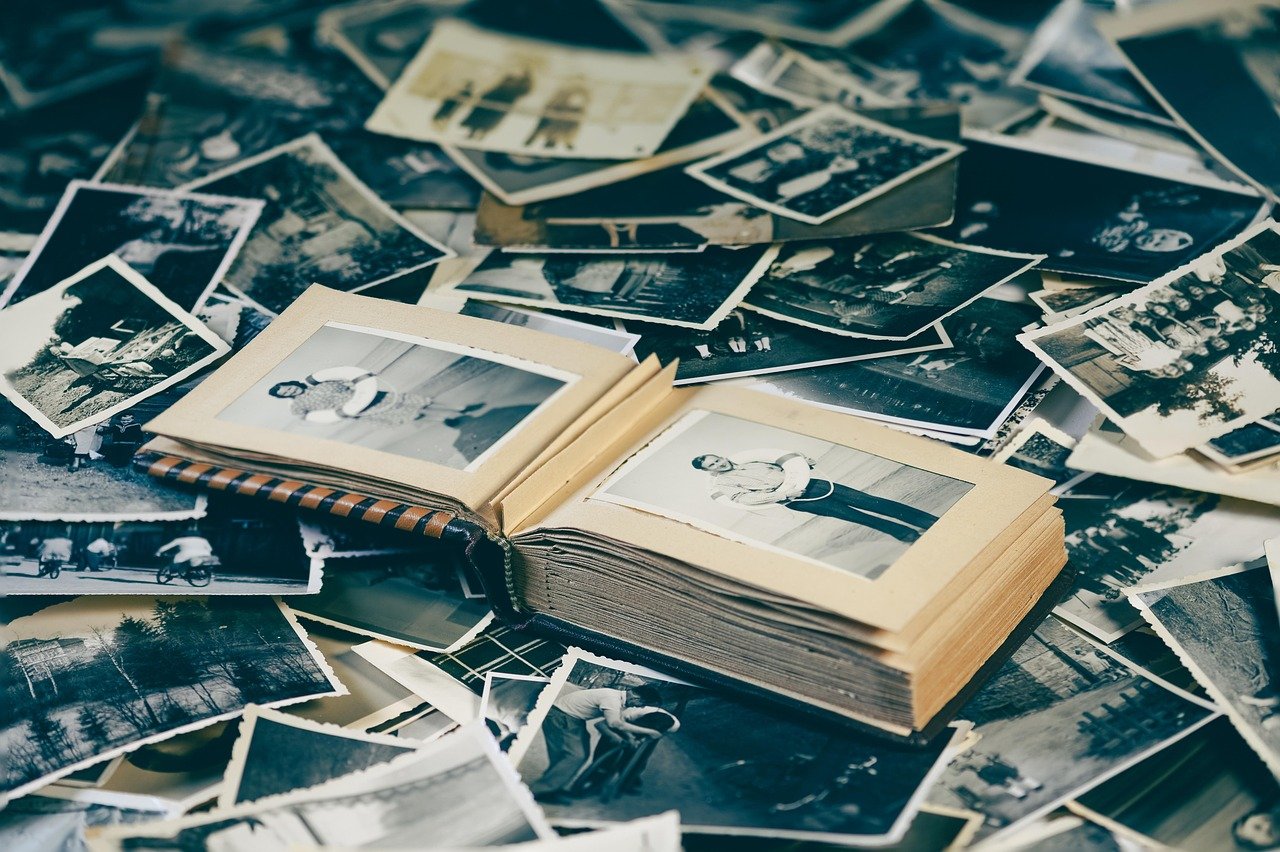
Clarpex turns a blurry or low-resolution photo into a sharp HD one. It also restores old photos. You upload, it enhances, you compare before and after, and you download.
How to use it: Open Clarpex, drop in a JPG, PNG or WebP photo, choose Standard or Pro, and download the result.
Free or paid? Free, with 10 credits a day and no sign-up. A Standard run costs 2 credits, so that is about 5 free photos a day. Pro costs 10 purchased credits per run. There is no watermark on your downloads, and your photos are never used to train AI.
7. Collecto.rs — Organise Any Collection
Collecto.rs organises any collection: Pokémon cards, Funko Pops, vinyl records, LEGO sets, coins, books — anything. You can see values, show off your collection, and share it.
You can snap a photo and let AI identify the item, search more than 14 million items, or import a whole spreadsheet at once.
How to use it: Sign up free on Collecto.rs (web, iPhone app, or Android beta), add your items, and track and share your collection.
Free or paid? Free, with unlimited items. The makers say the essentials stay free even if an optional pro tier comes one day.
Which One Should You Try First?
- You make videos: start with Cuecaps for captions.
- You want one site for everything: start with Toolslay.
- You have old family photos: start with Clarpex.
- You collect anything: start with Collecto.rs.
- You want to learn faster: try ThinkTrail for one week and check your score.
- You want to make motion videos: try AuteurFrame’s templates first — they need no AI at all.
- You have an app idea: describe it to Leda in one sentence.
FAQs
Are these 7 free AI websites really free?
Yes, all seven are free to try and use. Three have paid upgrades: Cuecaps adds a watermark on free exports and keeps Fast Edit for the $9 a month Creator plan, Clarpex gives 10 free credits a day and charges for Pro runs, and ThinkTrail’s Notion and Obsidian sync is coming in a paid Pro version.
Do I need to sign up?
Not for most of them. Toolslay, Clarpex and Cuecaps work without an account. Collecto.rs needs a free account to save your collection.
Which free AI website is best for video creators?
Cuecaps. Word-by-word captions and a transparent overlay for CapCut make your Reels and Shorts watchable on mute — and the free version is enough to test it.
Which free AI website is best for old photos?
Clarpex. Upload a blurry or old photo, and it rebuilds the detail in under a minute. Compare the result with the original on the slider before you download.
Final Word
You do not need seven new subscriptions. You need one or two free AI websites that solve a real problem you already have. Pick one from the list above, try it today, and keep the one that saves you time.
Ayesha will explain all seven in a 72-second reel on Instagram at @ayesha.ai.pk — watch it there once it’s posted.

